
How to Access and Customize Templates
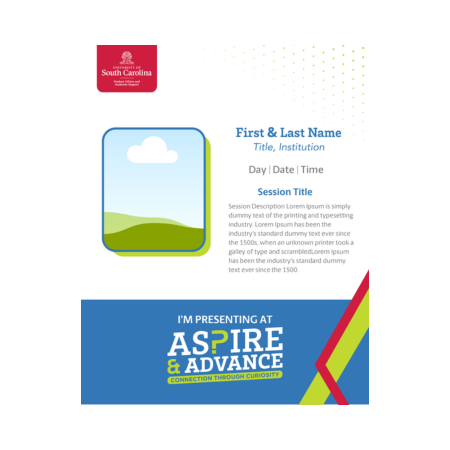
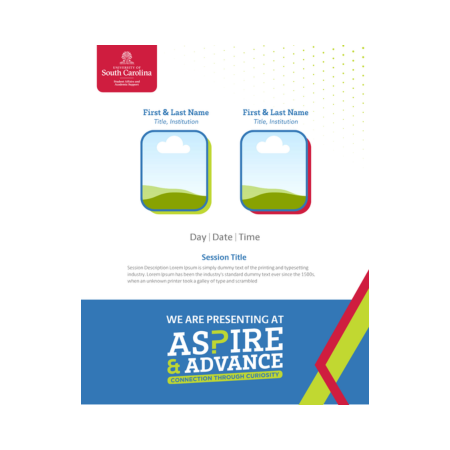
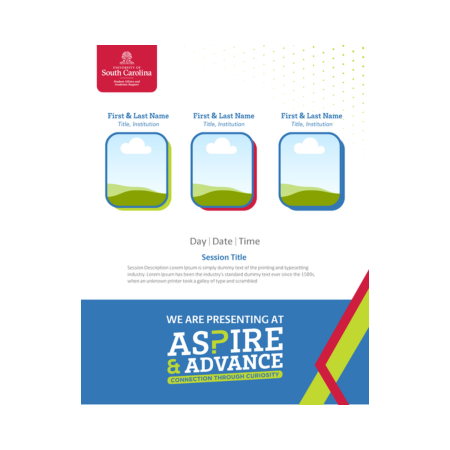
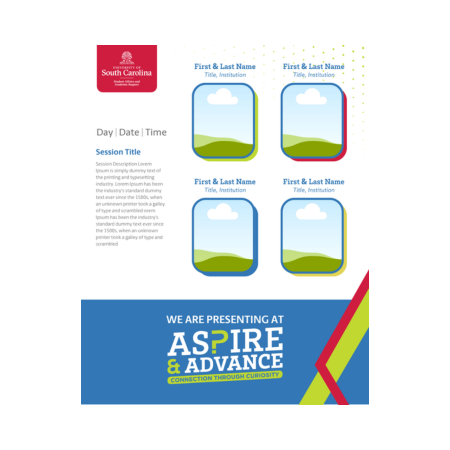
- Open the Canva template link
Click the link for your group of presenters below and select “Use template.” This will create an editable copy in your Canva account. - Add your name
Click on the name text box and replace the placeholder with your own name. - Update the session title and description
Edit the main title with your session name, then update the description section with a short summary of what your session will cover. - Upload and insert your image
Upload your image into Canva, then drag and drop it into the template’s image area. Adjust the size and positioning as needed. - Save and download as a JPG
Click “Share” in the top right, then select “Download.” Choose JPG as the file type, click “Download,” and save it to your device so it’s ready to use for your announcement.
We’ve created attendance justification letters to help you and your team get approval to join us this year for Aspire & Advance.